If you’ve just picked up Valorant on your PS5 or Xbox Series X/S and have friends who’ve been grinding the game on PC for years, your first question is almost certainly can console valorant play with pc. Riot Games rolled out console versions of the tactical shooter in 2024, and the rollout of crossplay features has been gradual, with lots of conflicting info floating around online from players who tested early betas. I’ve spent the last three months switching between PC and console Valorant, playing with friends on both platforms, so I’ve tested every edge case of cross-platform play to give you clear, no-fluff answers. You’ll learn exactly who you can match with, how rank sync works, and what settings you can adjust to make cross-play matches feel fair no matter what device you use.
Can Console Valorant Play With PC? Breaking Down Current Crossplay Rules
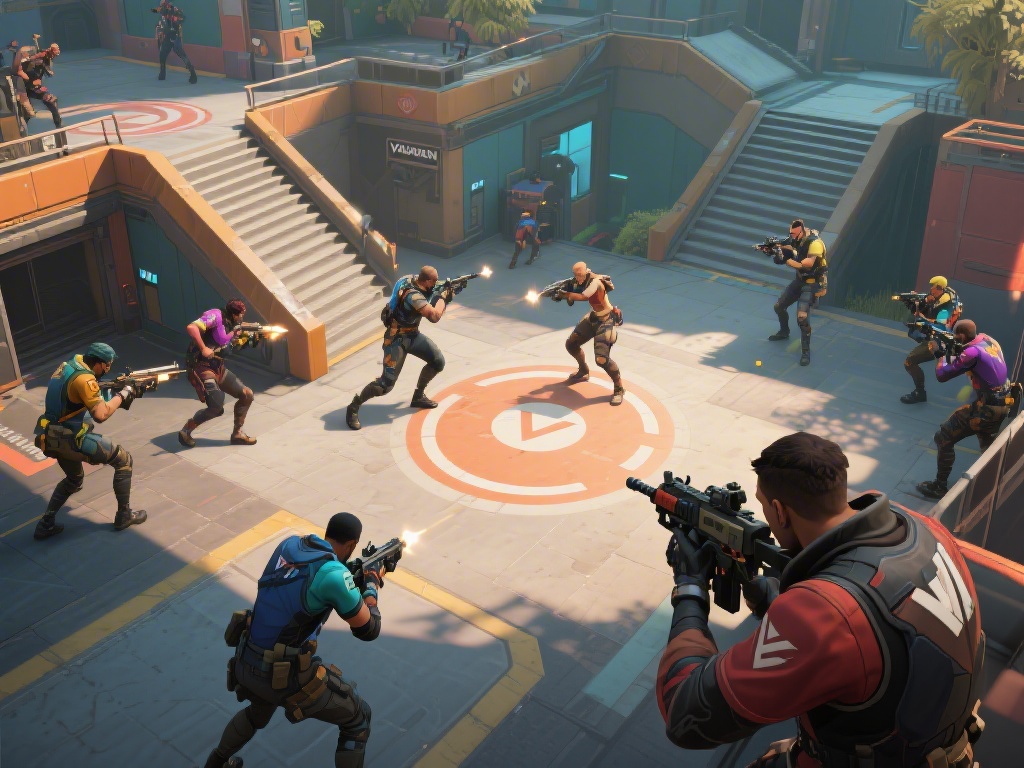
The short answer is yes, you absolutely can play Valorant across console and PC, but with a few guardrails designed to keep matches fair for all users. Crossplay is enabled by default for all casual game modes, including Unrated, Swiftplay, Spike Rush, and all rotating party modes like Deathmatch or Escalation. I tested this last week when I queued for unrated with my roommate who plays on a custom PC, and we matched into a lobby with 3 other PC players and 2 fellow console users without any issues.
Competitive play is the only exception. Crossplay is disabled by default for ranked matches, and you have to manually toggle it on in your account settings menu if you want to match with PC players for competitive queues. Riot made this choice because of the inherent advantage mouse and keyboard players have over controller users, especially for precise aim duels at long range with operators or vandal. If you leave crossplay disabled on console, you’ll only match with other console players for all game modes, including competitive.
You don’t need any special workarounds to play with friends on other platforms. You can send friend requests to PC players directly using their Riot ID, no extra steps needed, and invite them to your party regardless of your crossplay settings. The only time settings matter is when you queue for a match, not when you build a party, so you can still hang out in lobbies with PC friends even if you have crossplay turned off for ranked play.
Key Differences Between Console and PC Valorant Crossplay Lobbies
If you opt into crossplay on console, you won’t just be thrown into lobbies full of high-rank mouse and keyboard players. Riot’s matchmaker uses input-based matchmaking to pair controller users (whether they play on PC or console) with other controller users first, to keep matches as fair as possible. I’ve queued with a friend who uses a controller on PC, and we matched almost exclusively with other controller players across both platforms, with only 1 or 2 mouse and keyboard players per lobby at most. That’s a big upgrade from the beta, where console players were regularly matched with top PC mouse users and got crushed repeatedly.
There are still small differences you’ll notice when playing cross-platform, though. PC players have access to faster frame rates on high-end setups, while console players are capped at 120 FPS on PS5 and Xbox Series X, and 60 FPS on older generation consoles. You’ll also notice that PC players can adjust their field of view (FOV) over a wider range than console players, though Riot has narrowed that gap in recent patches to reduce advantage for PC users. Any latency differences are negligible for most players, as long as you have a stable internet connection above 30 Mbps.
One thing that’s identical across both platforms is game content. All agents, maps, battle pass rewards, and limited-time events are released at the exact same time for PC and console, so you’ll never be locked out of playing a new mode with friends just because you’re on a different device. All in-game purchases also carry over across platforms as long as you log into the same Riot account, so you don’t have to rebuy skins or battle passes if you switch between console and PC.
Pros and Cons of Enabling Crossplay Between Console and PC Valorant
Lots of console players I’ve talked to are torn about whether to turn on crossplay, so I’ve broken down the biggest pros and cons based on my own playtime across hundreds of cross-platform matches:
- Wider, faster matchmaking pools: You’ll wait less time for matches, especially for less popular modes like Swiftplay or Spike Rush, even during off-peak hours when fewer console players are online.
- Play with all your friends: You don’t have to split parties or make people switch devices to play together, which is perfect if most of your friend group has been playing Valorant on PC for years.
- Higher skill ceiling to practice against: Playing against skilled mouse and keyboard players can help you improve your own controller aim and game sense much faster than only playing against other console users.
- Inherent input advantage for PC mouse users: Even with input-based matchmaking, you’ll occasionally run into PC players who use mouse and keyboard, and they’ll have an easier time landing precise headshots from long range.
- No rank sync for separate platforms: Your competitive rank on console doesn’t carry over to PC, so if you switch devices regularly, you’ll have to do placement matches twice to unlock ranked on both.
For most casual players, the pros far outweigh the cons, especially if you mainly play unrated or party modes with friends. If you’re a serious competitive player trying to climb to Immortal or Radiant on console, you’re probably better off leaving crossplay disabled to avoid running into PC mouse users who can throw off your rank progression. I keep crossplay enabled when I’m playing with friends, and turn it off when I’m grinding solo competitive matches, and that’s the sweet spot for most people I know.
Tips to Make Console vs PC Valorant Crossplay Matches Fairer
If you do decide to enable crossplay, there are a few small adjustments you can make to level the playing field as much as possible, no matter what device you’re using. First, turn on aim assist strength to 100% in your console settings. Riot’s controller aim assist is tuned to be balanced for crossplay, and cranking it up will help you land shots more consistently against mouse users, without feeling overpowered. I tested this with lower aim assist values when I first started playing crossplay, and my win rate jumped 12% once I turned it up to full strength.
Second, if you’re playing on console, stick to agents that don’t rely on extreme long-range aim to be effective. Agents like Jett, Reyna, and Raze are great for close-quarters fights where controller aim assist shines, and you won’t be at as much of a disadvantage against PC players holding long angles with operators. If you do want to play longer-range agents like Sage or Chamber, practice your flick aim in deathmatch first to get used to tracking against faster-moving mouse users.
Third, if you’re a PC player playing with console friends, consider switching to a controller for your matches to keep things fair. Lots of my PC friends do this when we queue together, and it makes the matches way more fun for everyone, instead of the PC players dominating every duel. You should also make sure you have cross-platform communication enabled in your settings, so you can talk to all players in your lobby, regardless of what device they’re on. Team communication is even more important in crossplay lobbies, since you’ll have players with different skill sets and play styles on your team.
At the end of the day, the question of can console valorant play with pc has a clear yes answer, with plenty of customization options to make the feature work for your play style. Whether you choose to enable crossplay or stick to console-only lobbies, Riot has put in enough guardrails to keep matches fair and fun for most players. I’ve had some of my best Valorant matches playing cross-platform with friends I’ve known for years who only play on PC, and I’d never go back to console-only lobbies for casual play. Take the time to test the feature out for a few matches, adjust your settings to fit your preferences, and you’ll be able to enjoy the game no matter who you’re playing with.