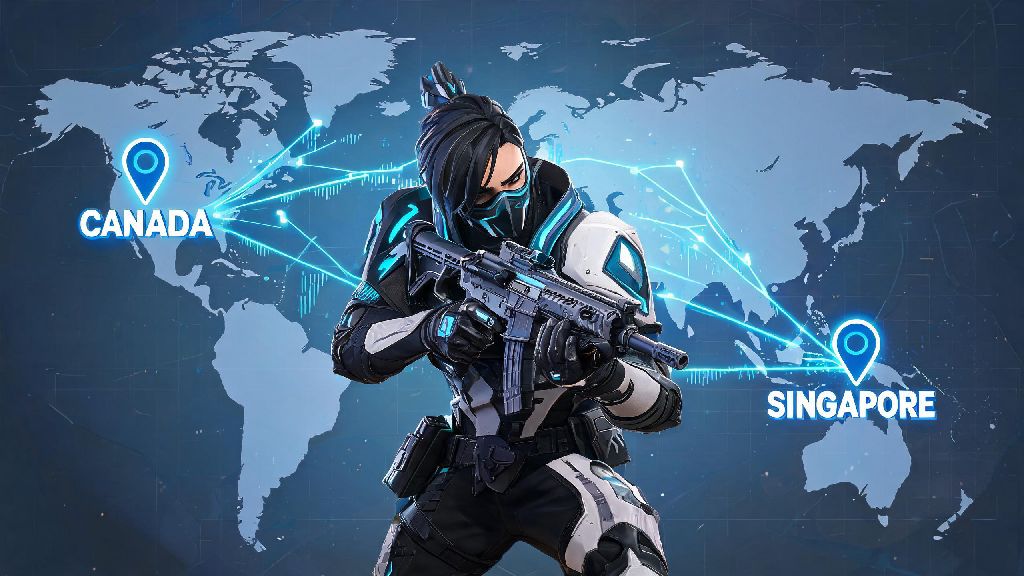
Have you ever been stuck with 200+ ping trying to play with friends in another country, or moved abroad and realized your Valorant account is still tied to your old home region’s laggy servers? I’ve been there myself, back when I moved from Canada to Singapore for a 6-month work contract. I tried to queue for ranked with my old Canadian squad for a week before I realized my constant lag was making me miss every flashbang dodge and Sage heal. I almost used a free VPN to switch regions before a friend warned me I could get my 3-year-old account banned, with all my exclusive Champions skins and Platinum 3 rank gone for good. That’s why this guide breaks down exactly how to change Valorant region safely, no unnecessary risks involved.
How to Change Valorant Region Step-by-Step for All Platforms
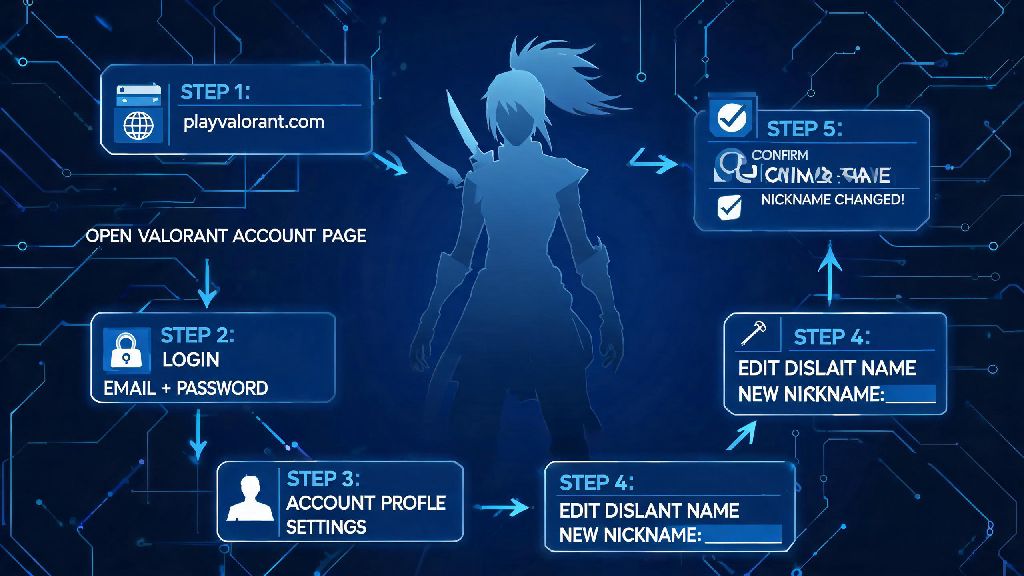
First, it’s important to note that your Valorant region is tied to your Riot account, not your game install, so you won’t have to redownload the entire 30GB game to switch servers. The process only takes 3 to 5 minutes if you follow the official steps, and it works the same for both PC and console players. You just need access to a web browser to log into your Riot account dashboard first.
If you’re playing on console, the process is almost identical, except you’ll access your Riot account settings through the console’s linked account menu instead of a web browser. You can only change your Valorant region once every 90 days, so don’t make the change on a whim if you think you might switch back soon. Any unused Valorant Points (VP) in your account will stay tied to your original region, so spend them before you switch if you don’t want to lose access to them temporarily. If you have physical VP gift cards for your old region, redeem those before you confirm the change too, as they won’t work once your account is tied to a new region.
Common Risks of Changing Your Valorant Region (And How to Avoid Them)
A lot of players look for shortcuts to switch regions faster, but most of these hacks can lead to permanent account bans or lost content that’s impossible to recover. I’ve seen dozens of players post on Valorant forums complaining they got banned after using a VPN to play with friends in another country for a single weekend, so it’s never worth cutting corners.
Using a VPN to play cross-region without an official account region change will lead to permanent account bans. Riot’s Vanguard anti-cheat system is designed to flag inconsistent IP addresses as potential account hacking or smurfing activity, so even if you’re not doing anything wrong, you could end up with a ban that’s almost impossible to appeal. The official region change process is free and takes less than 5 minutes, so there’s no reason to risk your account over a quick shortcut.
Another common risk is losing track of your rank progress. Your competitive rank is region-locked, so you will have to complete placement matches again in your new region. That doesn’t mean you lose your old rank entirely, though — if you switch back to your original region after 90 days, your old rank and match history will still be there, right where you left it. You’ll also need to update your billing information to match your new region if you want to buy VP after switching, as payment methods from your old country won’t work for regional purchases.
Top Reasons Players Switch Valorant Regions Regularly
The most common reason players switch regions is to play with friends who live in a different country. If you’re studying abroad in Korea but all your high school friends are back in Brazil, switching regions lets you queue with them without the 180 ping that makes you a liability to the team. It’s way more fun to play with people you know even if you have to run a few placement matches first, rather than struggling through laggy matches alone.
The second most popular reason is to reduce ping after a permanent move. Staying in your old region after you move across the world will give you unplayable lag that makes even casual matches frustrating, especially if you main agents that require precise timing like Jett or Reyna. Switching to your local region will cut your ping down to 20 or 30 ms in most cases, making the game feel way more responsive.
Many players also switch regions to try out different competitive metas. Meta preferences vary a lot by region — for example, Korean servers have way more Duelist mains and aggressive playstyles, while EU servers tend to favor more Controller-heavy, strategy-focused teams. Switching regions can help you learn new playstyles that make you a better player overall, even if you switch back to your home region later. I switched to the Japanese server last year to grab a limited-edition anime collaboration skin that wasn’t available in Singapore, and I picked up so many new Jett dash tricks from local players that I still use in ranked matches today.
If you're switching regions to grab limited-time exclusive content, make sure you time the change to line up with the event's full run time, so you don't miss the drop before you're eligible to switch back. Riot often runs region-specific collaborations with local entertainment franchises, so switching regions for a few months is the only way to grab those skins if they’re not released in your home area.
Can You Change Your Valorant Region Back Whenever You Want?
The short answer is no, you can’t switch back whenever you feel like it. The 90-day cooldown we mentioned earlier is non-negotiable for most regular accounts. Riot put that rule in place to prevent players from region hopping to abuse lower ranked lobbies or exploit regional pricing differences for Valorant Points, which are cheaper in some parts of the world than others.
You can submit a support ticket to Riot to request an early region change if you picked the wrong region by accident, but they only approve these requests in very limited cases. You’ll usually need to show proof of permanent relocation, like a copy of a visa or utility bill in your new country, to get a cooldown waiver. Don’t waste your time submitting a ticket if you just want to switch back to play with your old squad for a weekend, as they’ll almost always deny the request.
Creating a secondary region account is the only safe way to play cross-region regularly without waiting for the 90-day cooldown. You can make a second Riot account tied to the region you visit most often, and you won’t have to worry about losing progress on your main account. You can even share your friend list between accounts if you link them properly, so you won’t have to re-add all your friends every time you switch accounts.
At the end of the day, figuring out how to change Valorant region is pretty straightforward as long as you follow the official steps and avoid cutting corners with VPNs. Don’t forget to spend your leftover VP, check the 90-day cooldown rule, and prepare to run placement matches again in your new region before you make the switch. Whether you’re moving abroad, joining a friend group on another server, or just want to try a new meta, changing your region the right way will let you keep all your unlocked content and avoid unnecessary account issues. Just make sure you’re 100% sure about your new region before you hit that confirm button, because you’ll be stuck there for three months.