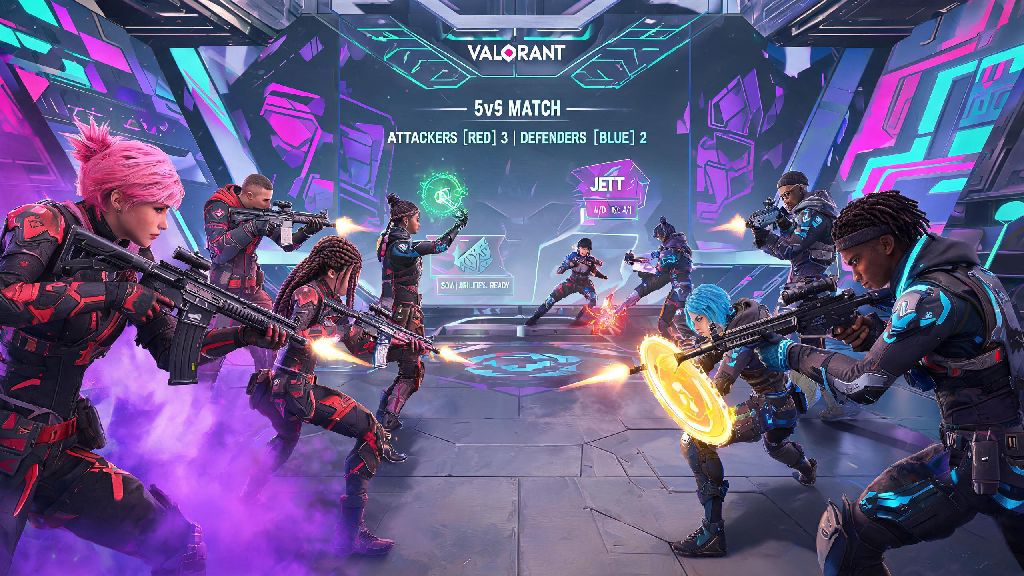
If you’ve seen clips of wild clutch plays, hilarious agent ability fails, or your favorite streamer grinding ranked matches, you’ve probably wondered how to get Valorant for yourself. This tactical 5v5 shooter from Riot Games has exploded in popularity since its launch, blending precise gunplay with unique character abilities that make every round feel different. There are a lot of fake download links floating around online, so we put together this no-fluff guide to walk you through the entire process safely, no extra bloatware or account risks involved.
How to Get Valorant Safely From Official Sources Only
The biggest risk new players face when trying to download the game is stumbling on fake, malware-laden links that look identical to official listings. Never download Valorant from third-party file sharing sites, because they often come with hidden viruses, stolen account credentials, or modified game files that will get you permanently banned as soon as you log in. Stick exclusively to official Riot Games channels to avoid all of these risks entirely.
For PC players, you’ll first need to download the Riot Client directly from the official Riot Games website. Once you install the client, you can select Valorant from the list of available Riot titles and start the download automatically. For console players on Xbox or PlayStation, search for Valorant directly in your console’s first-party store. Always verify the publisher name before clicking download to avoid falling for lookalike listings that try to trick you into buying fake in-game currency or unrelated apps. Note that official Valorant mobile versions are not yet available globally, so any mobile download links you see right now are guaranteed to be fake.
Minimum and Recommended System Requirements to Run Valorant
Before you start the download, it’s worth checking if your device meets the game’s basic specs to avoid wasting time on a title you can’t run smoothly. Riot intentionally designed Valorant to work on low-end hardware, so most devices built in the last 10 years will run it at least at minimum settings, but higher specs will give you a much smoother, more competitive experience.
You don’t need a high-end gaming PC to have fun with Valorant, but higher frame rates will make it easier to track fast-moving enemies and respond quickly to in-game fights. If you’re playing on a laptop, make sure it’s plugged in while you play to avoid power throttling that can drop your FPS drastically mid-match. If your specs are right at the minimum, you can turn down shadow quality and anti-aliasing in the in-game settings to boost performance without sacrificing much visibility.
Step-by-Step Account Setup and Post-Install Process
Once the Riot Client is installed, you’ll need to create a Riot account if you don’t already have one. Use a valid, active email address that you have regular access to, because you’ll need to verify it to unlock ranked play and make in-game purchases later. When prompted to select a region, pick the one closest to where you live. Changing regions later costs a fee, and you’ll lose all your existing progress, skins, and battle pass ranks if you switch, so it’s worth getting this right the first time.
You can link your console account to your existing Riot PC account to carry over any skins or battle pass progress you already have, which is a huge bonus if you’ve played on PC before. After you select Valorant in the client, the download will start automatically, and the client will install any necessary updates before you can launch the game for the first time. The first time you open Valorant, you’ll be taken through a short, 10-minute tutorial that walks you through basic movement, shooting, and ability use. It’s worth playing even if you’re experienced with other tactical shooters, since Valorant’s ability mechanics are pretty unique compared to similar titles.
Common Mistakes to Avoid When Installing Valorant
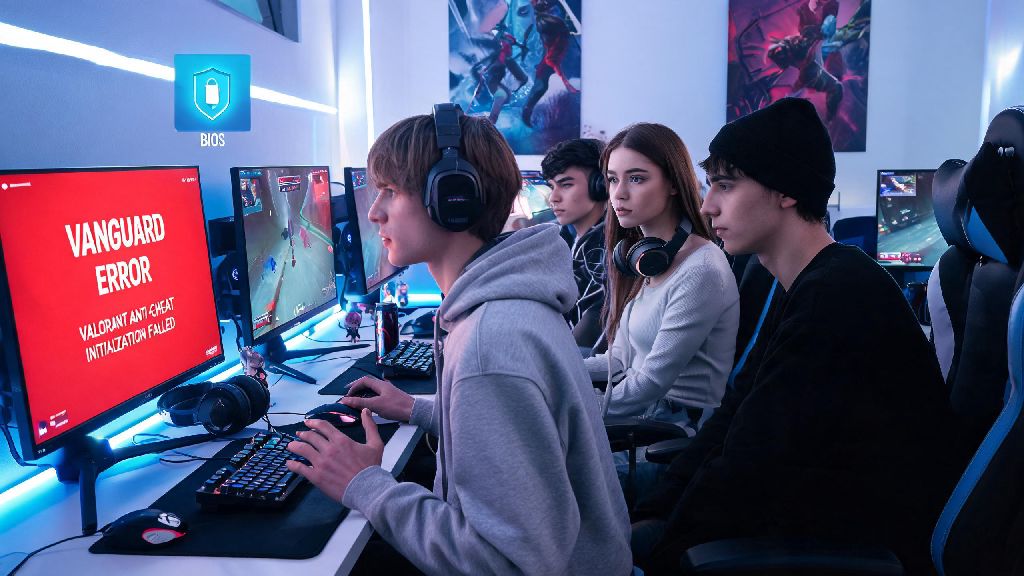
A lot of new players run into avoidable issues right after installation, so we’ve rounded up the most common ones to save you time and frustration. First, don’t install the game on an external hard drive if you can avoid it. Load times will be much slower, and you may run into texture streaming issues that make it hard to see enemies mid-round. If you get a Vanguard anti-cheat error during installation, restart your PC and make sure you don’t have any other game mods, overlay programs, or cheat software running that might conflict with Riot’s anti-cheat system.
Don’t skip the account verification step, because you won’t be able to play competitive ranked matches or make in-game purchases until you confirm your email address. If you’re playing on console, make sure your system software is updated to the latest version before you start the download, because older system versions can cause installation failures or crashes when you launch the game. If you run into any other errors, the official Riot support site has a huge library of free troubleshooting guides for almost every common issue, so you don’t have to wait for a support ticket to fix most small problems.
At the end of the day, learning how to get Valorant is straightforward as long as you stick to official sources and double-check your specs and account details before you start. The whole process usually takes less than 30 minutes, even on slower internet connections, and you’ll be jumping into your first unrated match before you know it. Don’t stress too much about your performance when you first start – even the best pro players spent dozens of hours learning agent abilities and map callouts before they started climbing the ranked ladder. Now go queue up, and don’t forget to communicate with your team.