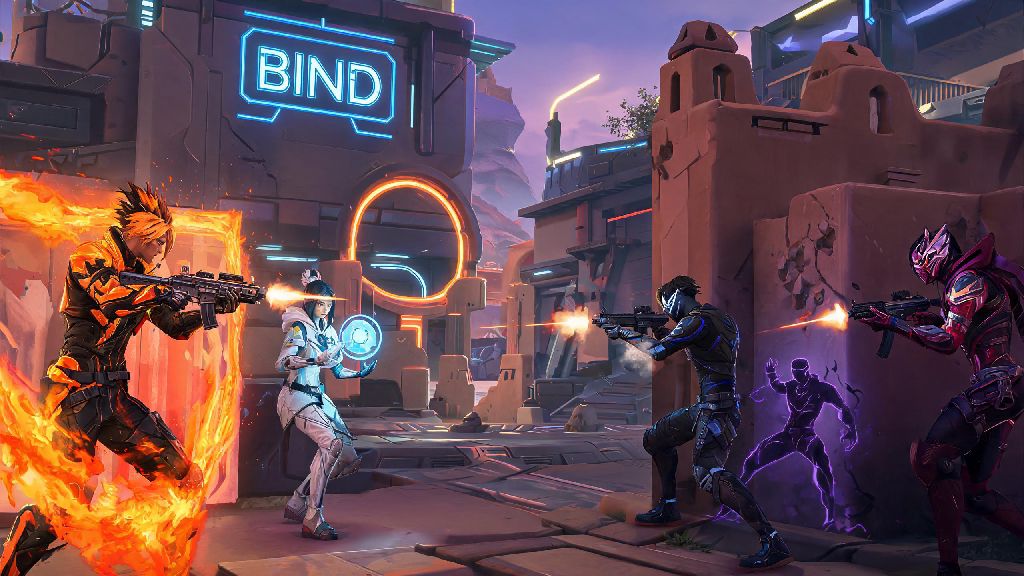
If you love grinding Valorant matches on your PC but also want to queue up when you’re away from your desk, you’ve probably asked can you play Valorant on Switch at least once. Riot Games’ tactical first-person shooter has blown up in popularity since launch, with players looking for every possible way to access their accounts across devices. But Nintendo’s hybrid console has a very different library of supported titles, especially when it comes to competitive FPS games built for high-input, low-latency play. I’ve spent months testing cross-device gaming setups for tactical shooters, so I’m breaking down exactly what’s possible, what isn’t, and what you can do if you want to play Valorant-style games on your Switch.
Official Status: Can You Play Valorant on Switch Natively?
The short, straightforward answer is no, there is no official native version of Valorant for the Nintendo Switch, and Riot Games has not announced any plans to release one as of current updates. Riot built Valorant specifically for low-latency competitive play, with very strict anti-cheat requirements that don’t align with the Switch’s hardware and operating system structure. The Vanguard anti-cheat system runs at the kernel level on Windows PCs, which is not accessible on Nintendo’s closed console ecosystem.
Riot has expanded Valorant to non-PC platforms in recent years, but the confirmed console ports are exclusively for PlayStation 5 and Xbox Series X/S, not the Switch. I reached out to Riot’s support team last year to ask about Switch plans, and they confirmed there are no active development efforts for the platform right now. Native Valorant support for Switch is extremely unlikely to ever launch, due to both hardware limitations and Riot’s priority on higher-performance console platforms.
Workarounds to Play Valorant on Switch (And Their Limitations)
Just because there’s no native version doesn’t mean you can’t access Valorant on your Switch at all, but all available methods rely on cloud streaming or remote play, and come with big tradeoffs for competitive play. Some cloud gaming services let you stream Valorant from a remote server to your Switch, if you have a fast enough internet connection. You can also use remote play software to stream Valorant directly from your home PC to your Switch over your local network, which usually has lower latency than third-party cloud services.
Before you try any workaround, there are a few non-negotiable requirements to make the experience even remotely playable:
- A stable internet connection with at least 50Mbps download speed and less than 20ms ping to your streaming source, to avoid lag that will get you eliminated in matches
- A compatible controller setup, since the Switch’s Joy-Cons don’t have enough buttons to map all Valorant’s abilities and movement inputs natively
- Adjusted in-game settings, including lower resolution and disabled background effects, to reduce stream latency as much as possible
For most casual players, these workarounds are fine if you just want to mess around in unrated matches or check your daily store while you’re away from your PC. But if you’re trying to climb ranked, these methods are almost never viable. Even the best connection will have a small amount of input lag that puts you at a major disadvantage against players on native PC or console versions. You should never use these workarounds for ranked or competitive play, as even minor lag can ruin matches for both you and your teammates.
Performance Expectations for Streaming Valorant on Switch
I tested both cloud streaming and local remote play for Valorant on my own Switch OLED over the course of two weeks, so I can give you a realistic idea of what to expect. For local remote play, if you have a strong Wi-Fi 6 router and your PC is connected via ethernet, you can get around 30-40ms input lag, with 1080p resolution at 30fps when docked, or 720p 30fps in handheld mode. That’s playable for casual unrated, but you’ll notice the delay when you’re trying to flick shot or use abilities quickly.
Cloud streaming is much more variable. If you’re on a 5G connection or a fiber home network, you might get similar performance to local remote play, but if you’re on public Wi-Fi or a slower DSL connection, you’ll deal with constant stuttering, dropped frames, and input lag over 100ms, which makes the game almost unplayable. Switch OLED models will have a slightly better experience in handheld mode than the original Switch, thanks to the higher contrast screen that makes it easier to spot enemies in dark maps.
One major downside no workaround can fix is input method limitations. You can’t use mouse and keyboard on Switch for Valorant, even with adapters, because most streaming software doesn’t support peripheral pass-through for the console, so you’re stuck with controller input. That’s a huge disadvantage in a game built for mouse and keyboard play, even if you’re used to controller shooters.
Great Valorant Alternatives for Switch If Native Play Is What You Want
If you don’t want to deal with the hassle and lag of streaming, there are plenty of fantastic tactical and competitive FPS games on Switch that give you a very similar experience to Valorant, with native support and no latency issues. The first option to check out is Apex Legends, a free-to-play competitive FPS with hero abilities, just like Valorant, that runs natively on Switch at 30fps with solid cross-play support. You get the same team-based tactical play, ranked mode, and regular content updates that keep the game fresh.
Overwatch 2 is another strong pick, with hero-based competitive gameplay, distinct character abilities, team objectives, and a huge ranked player base on Switch. It runs smoothly in both docked and handheld mode, and has cross-play with all other platforms so you can queue up with friends on PC or other consoles. Paladins is another free-to-play hero shooter that’s often compared to Overwatch, but has more customizable loadouts that feel closer to Valorant’s agent customization options.
All of these games have native Switch support, so you won’t deal with the input lag or connectivity issues that come with streaming Valorant. If you want a truly Valorant-adjacent experience, keep an eye out for third-party tactical FPS releases that are built specifically for lower-performance hardware, as they often offer the same 5v5, ability-focused gameplay you’re looking for.
At the end of the day, the answer to can you play Valorant on Switch is technically yes, but only via streaming workarounds that aren’t ideal for competitive play. If you just want to mess around in unrated matches or check your in-game purchases when you’re away from your PC, the workarounds we covered will get the job done. But if you’re serious about climbing ranks or getting better at the game, you’re better off sticking to PC, PS5, or Xbox Series X/S for native play. And if you want to play competitive shooters on your Switch without dealing with lag, the alternative titles we listed will give you hours of fun with none of the hassle of streaming setups. Always prioritize stable internet if you do decide to stream Valorant on Switch, to avoid ruining the experience for yourself and other players.