We’ve all been there: you impulse buy that shiny new Vandal skin at 2am after a winning streak, log on the next day and realize you hate how its firing sound echoes, or you accidentally clicked purchase on the wrong bundle. If that’s you, you’re probably asking can you refund Valorant skins, and what hoops you have to jump through to get your Valorant Points (VP) back. I’ve spent years navigating Riot’s support systems for both personal requests and helping friends fix accidental purchases, so I’m breaking down exactly what works, what doesn’t, and how to avoid wasting time on requests that will get denied immediately.
Riot’s Core Refund Rules for All Valorant Purchases
Riot has consistent refund policies across all its titles, and Valorant is no exception, with almost no flexibility for edge cases. Many players reach out to support every day asking if they can refund Valorant skins, and the answer almost always comes down to these core rules. First, all purchases are only eligible for review within 14 days of the original transaction date, no exceptions for long-time players or rare skin releases.
All refund requests are only processed through Riot’s official support portal, so any third-party site or individual promising to get you a refund for ineligible items is a scam that will likely steal your account credentials. Purchases made through unauthorized third-party key sellers are never eligible for refunds, even if the item is unused and within the 14-day window. Only purchases made directly through Riot, Steam, or official console storefronts for console Valorant players qualify for consideration.
You also have a limited number of refund tokens per account, exactly 3 lifetime tokens, that you can use for used in-game content that falls outside standard unused refund rules. These tokens never reset, so you should only use them for purchases you genuinely regret, not for temporary dislike of a skin you might grow to like later.
When Can You Refund Valorant Skins Specifically?
Skins have slightly different eligibility rules than other in-game purchases like battle passes or Radianite Points, so it’s important to check the specific criteria before you submit a request. Unused skins purchased within the last 14 days are always eligible for a refund, no tokens needed. Unused means you never equipped the skin for a match, never tested it in the practice range, and never upgraded any part of it with Radianite Points. For these requests, you’ll get an instant approval and your VP back within an hour in most cases.
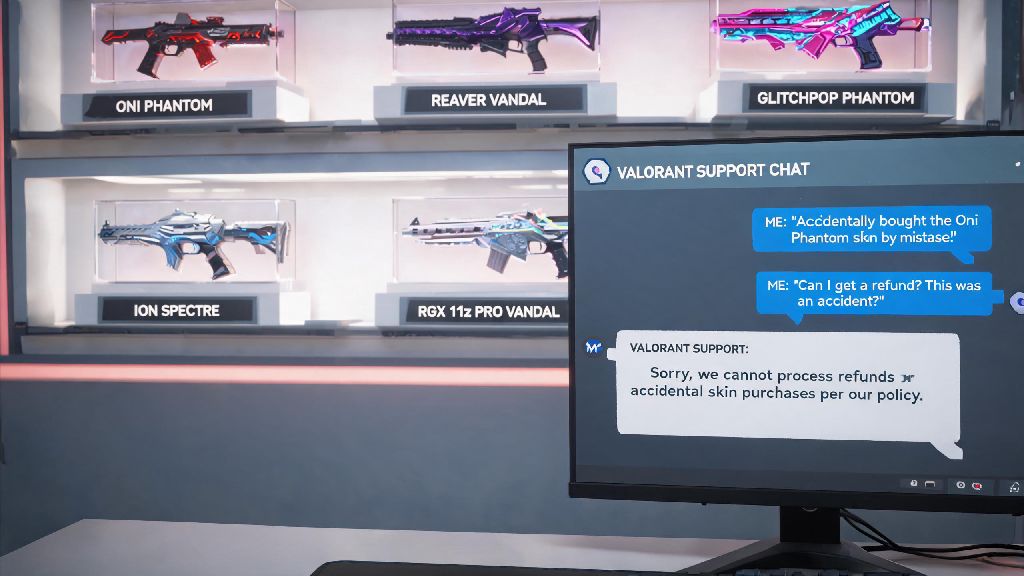
If you did use the skin, either in a casual match, competitive game, or practice range, you can still refund it only if it’s within the 14-day purchase window and you have an unused refund token left. Once you use a token for a used skin, you won’t get it back, even if you re-buy the same skin later. I once bought the Oni Phantom when it first dropped, used it for one unrated match, hated the finisher animation, and was able to refund it using one of my tokens 3 days after purchase with no issues.
There are a few skin-related purchases that are never eligible for refunds, no matter how recently you bought them. These include skins you earned through leveling up the battle pass, skins you upgraded with any amount of Radianite Points (even just a single chroma), skins you received as a gift (only the original buyer can request a refund if the gift is unclaimed), and battle pass tiers you purchased to unlock specific skins. When I tried to refund a Prime Vandal I’d upgraded with 20 Radianite Points a week after buying it, my request got denied immediately, even though I hadn’t used it in a match since upgrading.
Step-by-Step Process to Submit a Valorant Refund Request
You don’t need to contact support via live chat or open a manual ticket for 90% of refund requests, since Riot has a self-service portal that handles all eligible purchases automatically. If you’re still not sure if you can refund Valorant skins, cross reference your purchase against the rules we laid out earlier before submitting a request to avoid disappointment. The process is straightforward:
If the refund button isn’t next to your purchase, that means it’s not eligible for a self-service refund, but you can still open a manual ticket in very specific cases. These cases only include unauthorized purchases made on your account without your permission, or purchases that were charged to your payment method but never showed up in your Valorant account. Unauthorized purchases require proof of account ownership and a police report in some regions, so don’t lie about a purchase being unauthorized just to get a refund you don’t qualify for, as you could get your account permanently banned.
If you bought VP or a skin through Steam, the Epic Games Store, or your console’s official store, you may have to go through their refund process first instead of Riot’s, but the same 14-day, unused eligibility rules apply for all platforms.
Common Reasons Valorant Skin Refund Requests Get Denied
Most refund denials happen because players don’t read the fine print of Riot’s policies, not because the system is glitched or unfair. The most common reason for a denial is that your purchase is older than 14 days, even if you’ve never used or opened it. Riot draws a hard line at the 14-day mark, and no support agent will override this rule for any reason.
Other common reasons include using the skin in any capacity and having no remaining refund tokens, upgrading the skin with even a small amount of Radianite Points, or purchasing the skin from an unauthorized third-party seller. You can’t refund a skin just because you changed your mind about liking it after using it for weeks, that’s exactly what the 14-day window and refund tokens are for. I’ve seen friends try to refund skins they bought 6 months prior because a new better version came out, and every single request got rejected instantly.
Repeatedly submitting the same refund request over and over will not change the outcome, and could lead to your support access being restricted if you spam the system. If your request is denied once, take it as a final answer, and avoid wasting your time sending follow-up tickets with the same information.
At the end of the day, the answer to can you refund Valorant skins depends almost entirely on how recently you bought the item, whether you’ve used or upgraded it, and if you have remaining refund tokens for used content. The best way to avoid needing a refund at all is to test skins in the practice range first via the in-game preview feature before you buy, and avoid impulse purchases when you’re tired or distracted. If you do qualify for a refund, use the self-service portal first to get your VP back as fast as possible, and never trust third party sites promising refunds for ineligible items.