We’ve all been there: you log into Valorant for a ranked grind, only to see 80+ ping that makes your Jett knives miss every shot, or your friend group that moved to a different region can’t queue with you without massive desync. If you’ve run into these issues, learning how to change servers in Valorant is one of the fastest fixes for most connection and cross-region play problems. Unlike a lot of competitive games, Riot doesn’t lock you to a single server permanently, so you can swap around whenever you need to, as long as you follow the right steps. I’ve tested server swaps across 4 different regions over the past two years, both for playing with international friends and fixing random ping spikes on my home server, so I’ve got all the do’s and don’ts laid out for you below.
How to Change Servers in Valorant: Exact Step-by-Step Process
You don’t need any sketchy VPNs or third-party software to swap servers in Valorant, and the whole process takes less than a minute once you know where to look. I always recommend closing any other bandwidth-heavy apps like streaming services or cloud backup tools before you swap, to make sure you get an accurate read on each server’s ping once you’re done.
First, open your Valorant client and log into your account like you normally would. Don’t click play right away – instead, look at the small play button icon in the top right corner of the client home screen, right next to your username. Click that icon, and you’ll see a dropdown list of all available servers in your region, plus any nearby regions you have access to.
Each server will show your current estimated ping next to its name, so you can easily pick the one with the lowest number for the best performance. Once you select the server you want, just click the main play button, and your next queue will be routed to that server automatically. That's it – no restarts, no account changes required.
I’ve seen a lot of players make the mistake of using a VPN to change servers, but that almost always backfires. VPNs add extra routing steps to your connection, so even if you get access to a server you don’t normally see, your ping will be 2x higher than if you used a server you have native access to.
Top Reasons to Swap Your Valorant Server
Most players only think to change their server when their ping is bad, but there are a ton of other valid use cases that make this feature way more useful than you might think. I swap servers at least once a week for different reasons, and none of them have ever gotten me in trouble with Riot’s anti-cheat or account policies, so don’t worry about getting banned for swapping.
Some of the most common reasons to switch servers include:
That last one is my personal favorite. I swapped to the KR server for a month last year to learn more aggressive duelist playstyles, and it made a huge difference in my ranked win rate when I switched back to my home NA server. Just keep in mind that your rank is per region, so you’ll have a separate ranked MMR for each server you play on, no matter how many you swap between.
Important Limitations and Rules for Valorant Server Swaps
While server swapping is totally allowed and easy to do, there are a few rules and limitations you need to know before you start swapping every other game. Riot puts these in place to prevent account abuse and keep matches fair for all players, so ignoring them can lead to temporary queue restrictions or even account bans in extreme cases.
First, you can’t swap servers mid-match or mid-queue. If you already clicked play and are waiting for a match to pop, you have to cancel the queue first before you can change your server selection. Trying to force a swap while in queue can cause your client to crash, and you might get a temporary dodge penalty if you disconnect right as a match pops.
Second, you can only access servers in regions that your Riot account is registered to. For example, if you made your account in North America, you’ll have access to all NA, LATAM, and BR servers, but you won’t be able to access EU or KR servers without making a new account registered to that region. That’s where a lot of VPN guides go wrong – they promise access to all regions, but you’ll still get an error message if your account isn’t registered for that area, even with a VPN.
Third, your in-game purchases and battle pass progress carry over across all servers in your account’s region, but your ranked stats and MMR are separate for each server. That means if you’re Immortal on NA West, you’ll start at the bottom of the rank ladder when you swap to NA East, but you’ll still have all your skins and battle pass rewards.
I’ve run into that last one myself. I swapped to NA East to play with college friends a few months ago, and I was shocked when I had to do my placement matches all over again. It’s not a big deal for casual play, but if you’re grinding ranked, make sure you stick to one server per act if you want to climb as fast as possible.
Tips to Get the Best Performance After You Change Servers
Picking the server with the lowest ping is half the battle, but there are a few extra steps you can take to make sure your connection stays stable after you swap. I’ve tested all of these tips myself, and they cut my average ping by 15ms across all servers I play on regularly.
First, always run a quick practice range match right after you swap servers, before you jump into a ranked or unrated game. This lets you test if your ping is stable, if there’s any packet loss, and if your controls feel normal before you risk a win or a rank up. I’ve had times where a server showed 30ms ping in the client, but I had 10% packet loss once I got in game, so the practice range test saved me from throwing a ranked match.
Second, if you’re playing on a server that’s farther away from your physical location, turn off any unnecessary in-game settings that can cause input lag. Lowering your input lag is more important than raw ping number for most players, so even if you have a slightly higher ping on a farther server, you can still have a responsive experience if you optimize your settings. Lowering your max FPS to match your monitor’s refresh rate, turning off anti-aliasing, and closing background apps can make a huge difference in how responsive the game feels, even if your ping is 10-15ms higher than your home server.
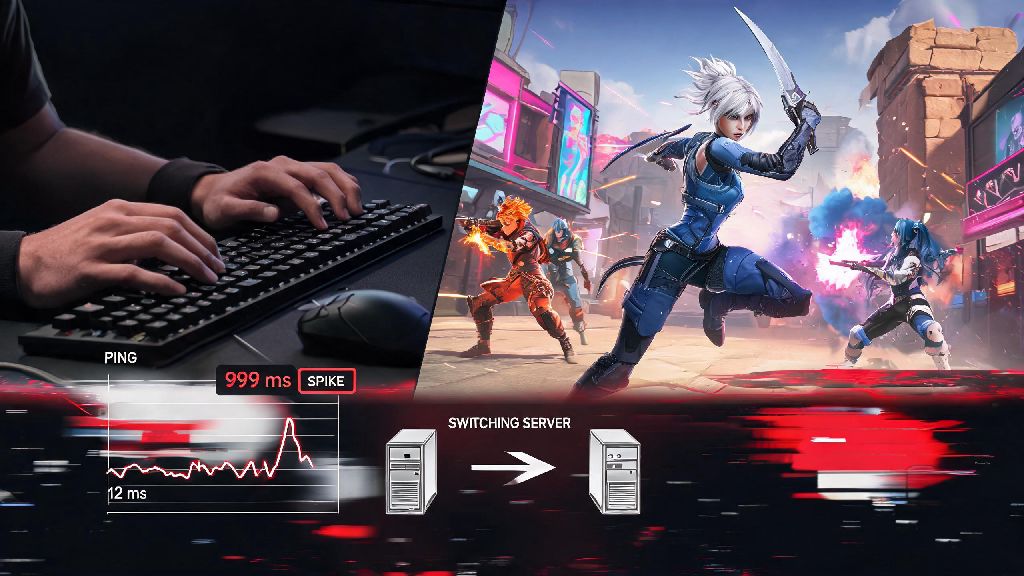
Third, if you notice consistent ping spikes on a server that usually works well, check Riot’s server status page first before you swap. A lot of the time, high ping is caused by temporary server maintenance or outages, and swapping to a different server for an hour or two is way better than trying to grind through laggy matches.
One thing I never recommend is swapping servers every single game to get easier lobbies. Riot’s matchmaking system is designed to match you with players of similar skill no matter what server you’re on, so you won’t get easier opponents by swapping to a different server. You’ll just end up with inconsistent MMR and slower rank progress overall.
At the end of the day, server swapping is one of the most underrated quality of life features Valorant offers, and it’s way easier to use than most players think. Whether you’re fixing a random ping spike, playing with friends across the country, or just want to try out new playstyles from other regions, knowing how to change servers in Valorant will save you a ton of frustration and make your play sessions way more fun. Just remember to follow the rules, test your connection in the practice range first, and don’t waste time with VPNs that promise region access you don’t already have. Next time you log in and see that annoying high ping number, you’ll know exactly what to do.