If you’ve ever clicked “buy” on a flashy new Vandal skin, picked up a premium battle pass to unlock extra rewards, or grabbed a limited-time event bundle before it expires, you’ve probably wondered at some point how much all those small purchases add up to over time. I was in the same boat last year: I’d spent months buying bits of VP here and there for cosmetics I liked, and I had no clue what my total spend was until I sat down to look it up. Learning how to check how much you spent on Valorant can help you get a clear, accurate picture of your in-game spending habits, no guesswork or rough estimates required.
How to Check How Much You Spent on Valorant: Official Riot Games Method
The only 100% accurate way to get your total spending number is to use the official Riot Games purchase history portal, because no third-party tool has access to your private account transaction data. The process takes less than five minutes, and you don’t have to download anything or share your login info with any outside sites. First, log into your official Riot Games account through the company’s official website, making sure you select the correct region linked to your Valorant account. Next, navigate to the “Purchase History” tab in your account settings, then filter the results to show only Valorant transactions. The page will list every single purchase you’ve ever made on your account, plus a running total of all your Valorant-related spend converted to your account’s default currency. Only use the official Riot Games portal to access your purchase data, as third-party tools may ask for your login credentials and put your account at risk of being hacked.
What Counts Toward Your Total Valorant Spending?
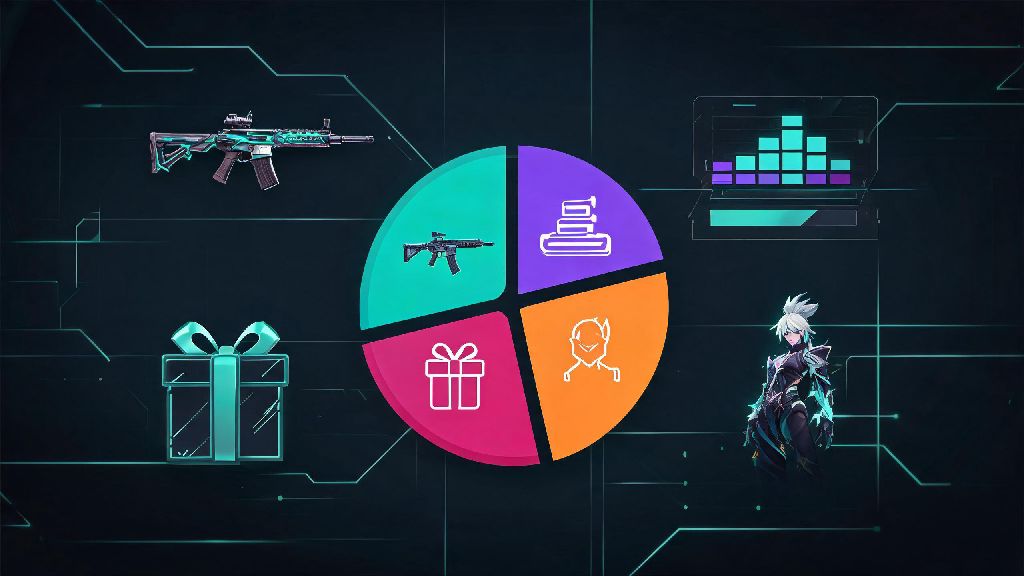
It’s important to note that not every item in your Valorant collection counts toward your total spend, so don’t be surprised if your total is lower than you expected based on the skins you own. Riot only counts purchases you actually paid real money for, so any free content you earned through events, giveaways, or promotions won’t show up in your transaction history. To clear up confusion, here’s exactly what is included in your official spending total:
On the flip side, items you got for free, like Prime Gaming drops, battle pass free track rewards, event unlocks, or giveaway codes, won’t add anything to your total. If you got a rare limited-edition skin as part of a Riot promotion for example, it won’t show up in your purchase history at all. Any content you earned for free, even if it’s a high-value rare limited-edition skin, will not be counted in your official spending total.
Common Mistakes to Avoid When Tracking Your Valorant Spend
A lot of players make simple mistakes when trying to calculate their Valorant spending, which can lead to totals that are way off from the real number. The most common mistake is using third-party spending calculators that claim to estimate your spend based on your owned skins. These tools don’t have access to your purchase history, so they can’t tell if you bought a skin at full price, got it on sale, or earned it for free. Another common mistake is forgetting to account for refunds: if you returned a skin or battle pass within Riot’s 14-day refund window, that amount will be deducted from your total, so you don’t have to manually subtract it yourself. If you’ve ever bought VP while traveling in a different region, don’t panic if the total looks different than you expected: Riot converts all foreign purchases to your account’s default currency for the final total. Third-party spending calculators are often off by 20% or more, so they should never be used if you want an accurate view of your total spend. Riot’s purchase history logs go back to the day you created your account, so you won’t miss any old purchases even if you’ve been playing since the game first launched.
What to Do After You See Your Total Valorant Spending
Plenty of players are shocked the first time they see their total Valorant spend, and that’s totally normal. Small $10 or $20 purchases add up fast over months or years of playing, so don’t beat yourself up if the number is higher than you expected. If you’re happy with the total and you’re spending within your budget, there’s nothing you need to change: if the cosmetics make your game experience more fun, they’re worth the cost for you. If you’re surprised by how much you’ve spent and want to cut back, there are simple steps you can take to avoid overspending in the future. You can set a hard monthly budget for VP purchases, turn off one-click payment on your account to add an extra step before you buy something, or wait 48 hours before purchasing any premium cosmetic to avoid impulse buys. If you’re struggling with compulsive in-game spending, you can reach out to Riot support to request a purchase restriction on your account, which will block you from buying any VP until you choose to lift the restriction. Setting a hard monthly spending limit for in-game purchases is the easiest way to keep your Valorant spending under control without giving up the cosmetics you love.
At the end of the day, tracking your in-game purchases doesn’t have to be a complicated or stressful process. Knowing how to check how much you spent on Valorant puts you in full control of your spending, so you can enjoy the game without stressing about hidden costs or surprise totals. You don’t have to stop buying skins or battle passes if they make your time playing more fun, just make sure you’re spending within limits that work for your personal budget. It’s just one small way to make sure your time playing Valorant stays fun, not a source of financial stress.