If you’ve seen your friends pull off crazy 1v3 clutch wins in Valorant or scroll through viral clips of Jett mains outplaying entire teams, you’re probably eager to jump into the action yourself. But before you can pick your first agent or plant the spike, you need to get the game set up on your computer. Learning how to download Valorant on pc is straightforward, but there are a few common pitfalls that can leave you stuck on loading screens or dealing with error codes before you even get to the main menu. I’ve helped half a dozen of my casual gamer friends install the game over the last year, so I’ve compiled all the steps, checks, and fixes you need to get playing without wasting an hour troubleshooting.
Step-by-Step: How to Download Valorant on PC Correctly
The only safe way to install Valorant is through the official Riot Games platform, so skip any random download links you find on social media or file sharing sites. First, head to the official Valorant page and click the “Play Free” button in the center of the screen. You’ll be prompted to either log into an existing Riot account or create a new one if you don’t already have one for games like League of Legends or Teamfight Tactics.
Never download Valorant or the Riot Client from third-party file hosting sites because they often come bundled with malware or modified versions that can get your account banned permanently. Riot’s anti-cheat system Vanguard is very sensitive to modified game files, so even an otherwise harmless repacked version can lead to a permanent account ban with no appeal path.
Once you’re logged in, the Riot Client installer will automatically start downloading. Run the installer once it finishes, and follow the on-screen prompts to choose where you want to save the client on your computer. When the client launches, you’ll see Valorant listed as one of the available games in the left-hand menu. Select it, choose your preferred install location for the game itself, and click “Install”.
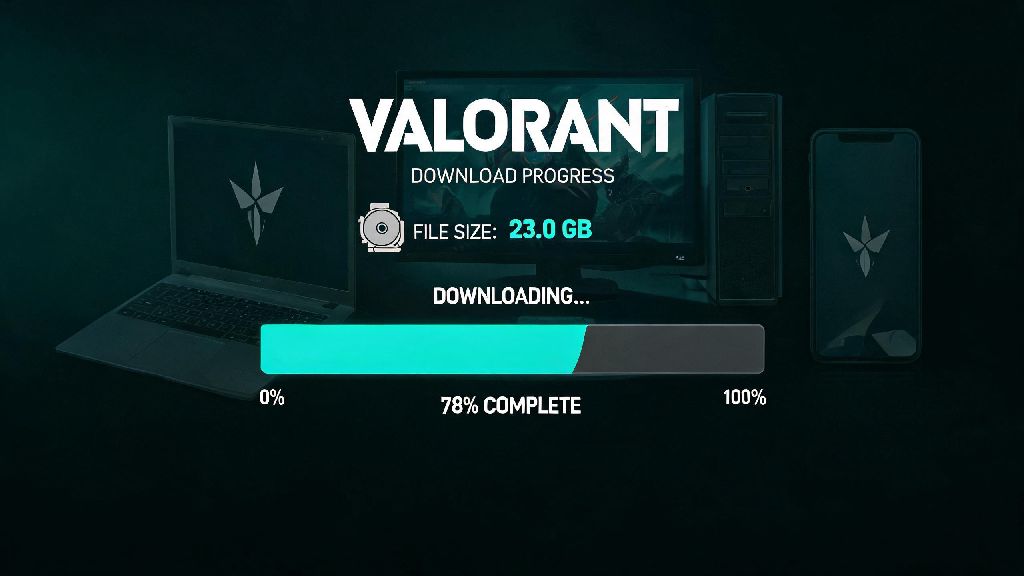
Make sure you’re logged into the correct Riot account before starting the download if you already have an account for other Riot games. Your Valorant progress, skins, and rank are all tied to your Riot account, so if you use the wrong email you’ll lose access to any purchases or progress you make later on. The download size is roughly 25GB, so it can take anywhere from 10 minutes to an hour depending on your internet speed.
Pre-Download Checks to Avoid Installation Headaches
Most installation issues happen because people skip quick pre-checks before they hit the download button. Taking two minutes to run these checks will save you a ton of frustration later, and ensure the installation runs smoothly the first time around.
You need a 64-bit version of Windows 10 or 11 to run Valorant – the game no longer supports 32-bit operating systems, so you’ll need to update your OS first if you’re running an older version. The minimum specs will get you 30 FPS on low settings: an Intel Core 2 Duo E8400 processor, 4GB of RAM, and Intel HD 4000 integrated graphics. If you want to run the game at 60 FPS on medium settings, you’ll need at least an Intel i3-4150, 8GB of RAM, and a GTX 1050 Ti graphics card.
I once tried to install the game on a friend’s old laptop that only had 20GB of free space, and the installation failed halfway through, wasting almost 40 minutes of our time before we realized we had to delete old game files to make room. If you have an SSD, install Valorant there instead of a HDD, as it will cut match load times in half and reduce random stuttering during gameplay.
Common Valorant Download Errors and How to Fix Them
Even if you follow all the steps correctly, you might run into a few common errors that stop the download or installation from finishing. Most of these have simple fixes that take less than five minutes to apply, so you don’t need to panic if you see an error code pop up.
Error VAN 9001 almost always relates to TPM 2.0 and Secure Boot being disabled on your PC – you can enable both in your BIOS settings to fix this, just make sure you follow a guide for your specific motherboard model so you don’t mess up other settings. This error started appearing after Riot updated its security requirements a few years ago, and it’s the most common error new players run into during installation.
If your download is stuck at 0% for more than 10 minutes, pause and resume the download first before restarting the client – this fixes 70% of stuck download issues in my experience, since it resets the connection to the nearest Riot server. If that doesn’t work, check your internet connection and make sure no other devices on your network are using up all your bandwidth for streaming or large file downloads.
If you keep getting “installation corrupted” errors, try running the Riot Client as an administrator before you start the download. Right click the client icon, select “Run as administrator”, and that will give it the permissions it needs to write files to your hard drive without being blocked by Windows security settings. If you’re still having issues, you can temporarily disable your third-party antivirus during the installation, just remember to turn it back on once the game is installed.
Post-Install Setup Tips to Improve Your First Game Experience
Once the download finishes, you don’t have to jump straight into a match right away. Taking five minutes to adjust your settings first will make your first few games way more enjoyable, and help you avoid mistakes that come from wonky default settings.
Always update your NVIDIA or AMD graphics drivers before launching Valorant for the first time – outdated drivers are the leading cause of low FPS and random crashes during matches, even if your PC is powerful enough to run the game smoothly. You can download the latest drivers directly from the NVIDIA or AMD website, or use their respective desktop apps to check for updates automatically.
When you launch the game for the first time, it will run a quick hardware check to set default graphics settings, but you can adjust these to fit your preferences. If you’re playing competitive, prioritize frame rate over graphics quality, as higher FPS will make the game feel more responsive and make it easier to track fast-moving enemies. Spend a few minutes in the practice range adjusting your crosshair and mouse sensitivity too, since the default settings are not ideal for most players.
If you don’t play Valorant every day, you can disable Vanguard’s automatic startup in your Windows settings to save a small amount of RAM when you’re using your PC for work or other games. Just remember to re-enable it before you launch Valorant next time, or you’ll get an error message asking you to restart your PC to turn the anti-cheat on. You can also link your Riot account to Discord or Twitch if you want to share clips or earn in-game drops from streamers.
At the end of the day, learning how to download Valorant on pc doesn’t have to be a complicated process, as long as you follow the official steps and run the quick pre-checks I outlined above. I’ve seen way too many new players get frustrated and give up before they even play their first match because they skipped a simple step or downloaded the game from an untrusted source. Take 10 minutes to go through the process correctly, and you’ll be planting spikes and clutching rounds with your friends in no time. If you run into an error I didn’t cover here, you can always check the official Riot support page for the latest fixes specific to your setup.