It’s your best duo’s birthday, or they just carried you through three straight ranked wins to get you to Platinum for the first time. You want to show your appreciation beyond a quick “GG” in team chat, but you’re not sure where to start. Learning how to gift on Valorant is way simpler than you might think, but there are a few non-negotiable rules and hidden restrictions you need to know before you spend your Valorant Points. I’ve sent over 12 gifts to friends across three different regions over the last two years, so I’ve made every mistake in the book so you don’t have to. This guide will walk you through every step, from picking the right gift to making sure it lands in their account without issues.
What You Need to Know Before You Attempt to Gift on Valorant
Gifting features aren’t available to every new account right off the bat, and Riot has put several safeguards in place to prevent fraud and misuse. First, your account must be at least level 10 to access gifting features. This rule stops bad actors from making throwaway accounts to send stolen or fraudulent gifts to other users. You’ll also need to have 2-factor authentication enabled on your Riot account before you can send any gifts, which is a quick setup you can complete through your account settings page.
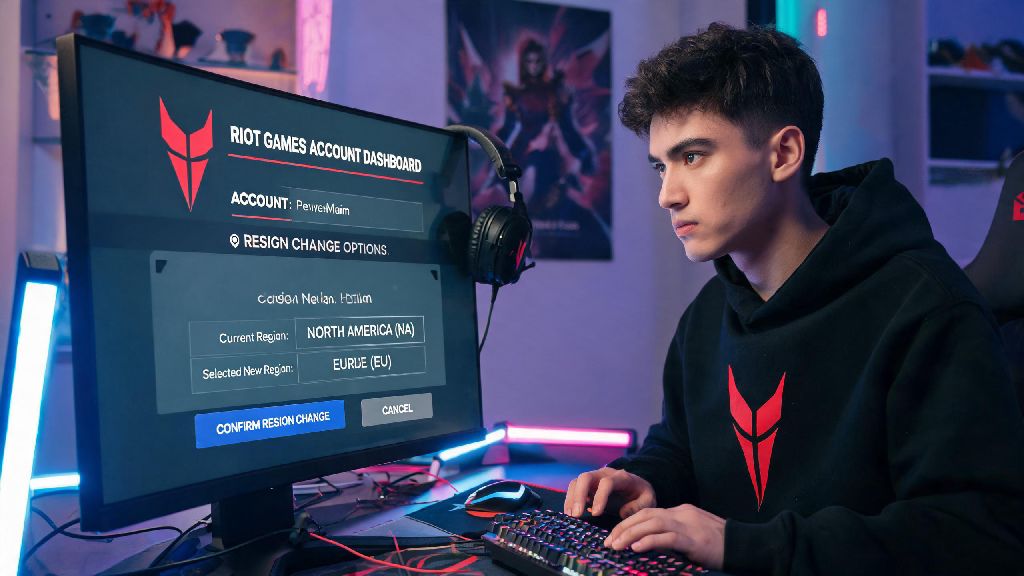
Second, you need to have been friends on Riot’s platform for a minimum of 72 hours before sending a gift. I learned this the hard way when I tried to send my little brother a skin for his 16th birthday, only to realize I’d added his new account the night before. I had to lie and say his gift was delayed, which was super awkward. Third, both you and the recipient must be in the same regional server. Riot doesn’t allow cross-region gifting at all, even if you’re sending to someone you’ve been friends with for years. If your friend moved to a different country and switched regions, you won’t be able to send them gifts until you switch to the same region too.
You can only use Valorant Points to purchase gifts, not Radianite Points, and all gift purchases are final. There are no refunds for gifts, even if the recipient already owns the item or says they don’t want it, so you’ll want to double check all details before you confirm your purchase.
Step-by-Step Process to Send a Gift in Valorant
If you’re learning how to gift on Valorant for the first time, this process will take you less than two minutes once you have all the prerequisites sorted. First, open Valorant and navigate to the in-game store. You can gift almost any item that appears in the store, including individual skins, full skin bundles, gun buddies, sprays, player cards, and current act battle passes. Only items currently available in the in-game store can be gifted, so you can’t send limited-edition skins that left the shop months ago, even if you own them on your own account.
Once you find the item you want to send, look for the small gift icon next to the regular purchase button. It looks like a tiny wrapped present, and it will be greyed out if you don’t meet the gifting requirements. Click that icon, and you’ll be taken to a list of all your Riot friends who are eligible to receive the gift. Ineligible friends will be hidden from the list, so you don’t have to guess who you can send items to.
Select the friend you want to send the gift to, and you’ll have the option to add a short custom message to go with it. The message will show up in their in-game notifications when they log in, so you can add a silly inside joke or a heartfelt thank you note if you want. Once you’re happy with your selection, click confirm purchase, and the Valorant Points will be deducted from your account immediately. The recipient will get their gift the next time they log into Valorant, no extra steps required on their end.
Top Gift Picks for Every Type of Valorant Player
Picking the right gift makes the whole experience way more meaningful, and you don’t have to spend a ton of Valorant Points to get something they’ll love. I’ve gifted everything from 50 VP sprays to 2175 VP premium skins, and some of the most well-received gifts were the cheapest ones. Here are my go-to picks for different player types:
- For the ranked grind main: A premium skin for their most used agent’s go-to weapon. If they main Jett and always pick the Vandal, a Champions Vandal or Prime Vandal is a no-brainer that will get used every single game. You can check their match history to see which weapon they use most if you’re not sure.
- For the casual meme-loving player: A silly spray, funny gun buddy, or colorful player card that matches their sense of humor. These small, low-cost gifts feel far more personal than a random expensive skin, and they’ll think of you every time they use the spray in a post-clutch lobby.
- For the new player who just hit level 20: A battle pass for the current act. It gives them dozens of exclusive rewards as they play, and encourages them to keep queuing with you to unlock all the tiers. It’s way better value than buying a single skin for a new player who still hasn’t figured out their main weapon.
Don’t overthink it, either. Even a cheap gun buddy that matches their favorite agent will feel special, because it shows you pay attention to how they play the game. I once gifted my friend a duck gun buddy that matched the sticker on his laptop, and he still uses it a year later, even though he owns dozens of rarer, more expensive buddies.
Common Valorant Gifting Mistakes to Avoid at All Costs
Most gifting issues are completely avoidable if you know what to look for before you spend your VP. The first and most common mistake is forgetting the 72 hour friend rule. If you’re planning to send a gift for a specific occasion, add your friend on Riot at least a week in advance to be safe, just in case there are any account verification delays.
Another big mistake is not checking if the recipient already owns the item you’re gifting. Riot won’t stop you from sending a duplicate item, and they won’t refund you for it, so the gift will just go to waste. You can ask them subtly, or check their collection if you play together often to avoid this. Double check that the recipient doesn't already own the item you're gifting before you complete your purchase, even if you’re 90% sure they don’t have it.
You also want to avoid falling for third-party gifting scams that pop up on social media and gaming forums. These sites claim to sell rare Valorant skins for half the price of the official store, or offer cross-region gifting services that don’t exist. Never use third-party platforms to purchase Valorant gifts - they often sell stolen accounts or fake codes that will get both your account and the recipient's banned. The only safe place to buy Valorant gifts is the official in-game store.
Finally, don’t send gifts to people you don’t know well in exchange for ranked carries or other favors. Riot’s anti-fraud system flags unusual gifting patterns, and you could get your account restricted or banned if you’re found to be trading gifts for in-game services.
Gifting in Valorant is one of the best ways to connect with the friends you queue with, whether you’re celebrating a big rank up, a birthday, or just saying thanks for a hard carry. Now that you know how to gift on Valorant without running into common issues, you can pick the perfect present for your duo without stress. Just remember to double check the friend requirement, region match, and item ownership before you hit confirm, and your gift will land exactly how you want it to. Next time your team pulls off a wild clutch against a smurf stack, you know exactly how to show your appreciation.