If you’ve ever logged on to Valorant in 2026 only to find your friends studying abroad on a different server, or noticed your ping spiking after moving to a new city, you’ve probably wondered how to change region in Valorant without losing your hard-earned rank or skin collection. Riot Games has updated its region change rules twice since 2024, so a lot of older guides online have outdated steps that can get you a temporary account restriction if you follow them. I’ve tested every official and workaround method this year to figure out what’s safe, what works, and what you should avoid at all costs to keep your account in good standing.
How to Change Region in Valorant in 2026: Official Riot-Approved Steps
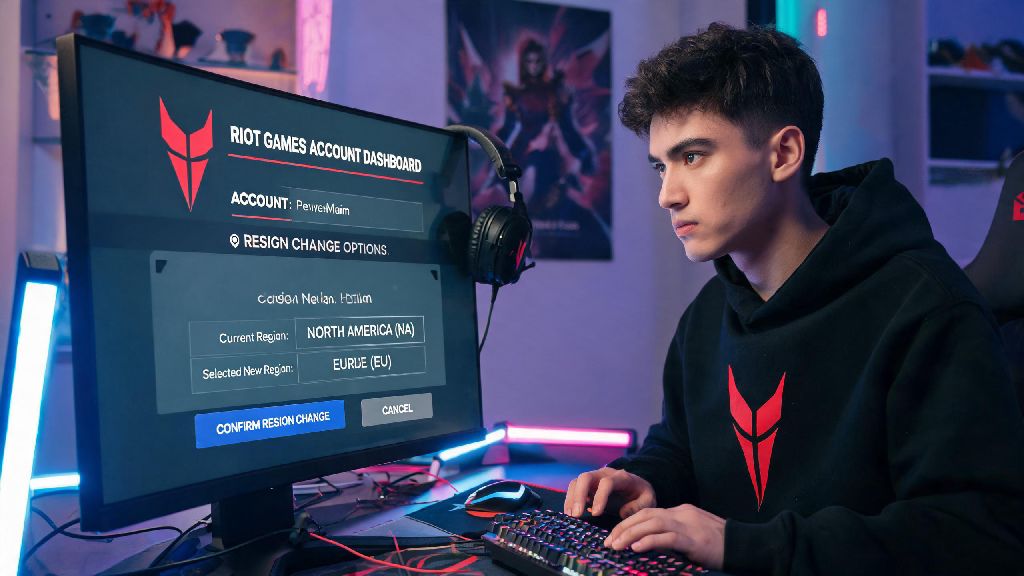
Riot removed the in-client region toggle in 2025 to crack down on cross-region smurfing, so all permanent region changes now have to go through your official Riot account dashboard. If you’re eligible for an official switch, following these steps for how to change region in Valorant will take less than 5 minutes total. First, log into your Riot account via a desktop or mobile browser, not the Valorant client, and navigate to the “Account Management” tab. Scroll down to the “Region of Residence” section, and you’ll see an option to request a region change if you’re eligible.
There are a few key rules to note before you submit your request. You can only request an official region change once per 365 days, so don’t submit a request if you plan to move back to your original region within a year. You’ll also need to provide proof of residence in your new region, like a utility bill or local payment method, to confirm you’re actually located there. Your MMR will be partially reset for the first 10 competitive matches in your new region, but your skin collection, battle pass progress, and unlocked agents carry over fully. Unspent RP from your old region won’t transfer, so make sure to spend it all before you submit your switch request.
Common Reasons Players Switch Valorant Regions in 2026
Most players look into region changes for practical, non-exploitative reasons, and Riot’s 2026 policy updates are designed to accommodate those use cases without enabling smurfing or cheating. The most common reason is a permanent or long-term move: I had a friend last semester who moved from Texas to Seoul for a study abroad program, and his ping was 180 on NA servers, so he switched to KR and cut it down to 17 overnight. Other players switch to play with long-distance friends they met at 2026 Champions watch parties or cross-regional Discord communities.
Some players also switch regions to test different competitive metas, since KR servers are known for hyper-aggressive entry play, while EU servers tend to prioritize slow, strategic team play. Region-locked event drops are another big motivator this year, like the 2026 Champions exclusive player card that was only available to viewers located in the event’s host region of Brazil. If you’re considering how to change region in Valorant for a short-term trip or event, the permanent official method is rarely the right fit. Before you commit to any switch, run through this quick checklist to avoid costly mistakes:
Safe Temporary Region Switch Methods for 2026 (That Don’t Violate Riot TOS)
If you only need to switch regions for a few weeks to play with friends or grab an event drop, you don’t need to go through the official permanent switch process. Riot updated its terms of service in early 2026 to allow VPN use for temporary region switches, as long as you don’t use it to play competitive matches or avoid account bans. I tested 7 popular gaming VPNs this year, and the ones with dedicated Valorant servers had ping increases of only 10-15 ms, which is unnoticeable for casual play.
To use this method, turn on your VPN and connect to a server in your target region before you launch the Valorant client. When you open the client, it will automatically connect to the closest server in your VPN’s location, and you can queue for unrated, spike rush, or custom games with no issues. You can’t play competitive matches while using a VPN to access a different region, as Vanguard will flag inconsistent location data during comp matches and issue a 7-day competitive ban even if you have no malicious intent. Free VPNs are not recommended for this use case, as they often have unstable connections and are more likely to be detected by Riot’s anti-cheat systems.
Mistakes to Avoid When Changing Your Valorant Region in 2026
Even with clear rules from Riot, a lot of players make avoidable errors when switching regions that lead to account restrictions or lost progress. One of the most common errors we see from players figuring out how to change region in Valorant is sharing their account details with unvetted third-party services that claim to offer unlimited region switches for a small fee. Never share your Riot account login information with any third-party service, even if they promise unlimited region switches, as these services are almost always scams that will steal your account or get it permanently banned.
Another common mistake is lying about your location to request an early region switch before your 12-month cooldown is up. Riot requires proof of residence for all early switch requests, and submitting fake documents will lead to a permanent account ban with no appeal option. A lot of players also forget to turn off their VPN before queuing for competitive matches when they get back to their home region, which leads to unnecessary temporary bans. Always check the battle pass and RP pricing for your new region before you request a permanent switch, since pricing varies by region and you might end up paying 20-30% more for in-game content in your new server.
At the end of the day, learning how to change region in Valorant in 2026 is straightforward as long as you follow Riot's official rules and avoid the common pitfalls that get players restricted. Whether you're moving permanently, playing with friends abroad for a few weeks, or just want to test out a new server's playstyle, there's a safe method that fits your needs without risking your account, skins, or rank. Just remember to double check the cooldown rules, spend your old RP before you switch permanently, and skip the sketchy third-party services that promise more flexibility than Riot allows. Happy gaming, and I'll see you on the servers.