If you’ve ever logged into Valorant ready to send a friend a surprise for their ranked promotion or birthday, you’ve probably asked: can you only gift bundles in Valorant? Gifting is one of the most beloved social features in the game, but Riot’s rules for what you can and can’t send are often confusing for new and returning players alike. I’ve spent dozens of hours testing gifting limits while sending skins to my own friend group over the last three years, so I’m breaking down exactly what’s allowed, what’s not, and how to make sure your gift gets to the right person without a hitch.
Can You Only Gift Bundles in Valorant? Breaking Down Base Gifting Rules
The short answer is no, you are not limited to only gifting bundles in Valorant. If you’ve heard old rumors that say otherwise, that information dates back to the first launch of the gifting system in 2021, when bundles were the only eligible items for gifting. Riot expanded the feature a year later to support far more options, so you have plenty of flexibility to pick a gift that fits your budget and your friend’s preferences. Before you browse the store, make sure you meet the core eligibility requirements to unlock gifting at all:
- You and the recipient have been on each other’s Riot friends list for a minimum of 72 hours (3 full days)
- Both of your accounts are at least level 10 or higher with no active communication or competitive bans
- Your accounts are registered to the same regional server (you can’t send gifts to a friend playing on EU if you’re on NA, for example)
- You have enough Valorant Points (VP) in your account to cover the full cost of the item you want to gift
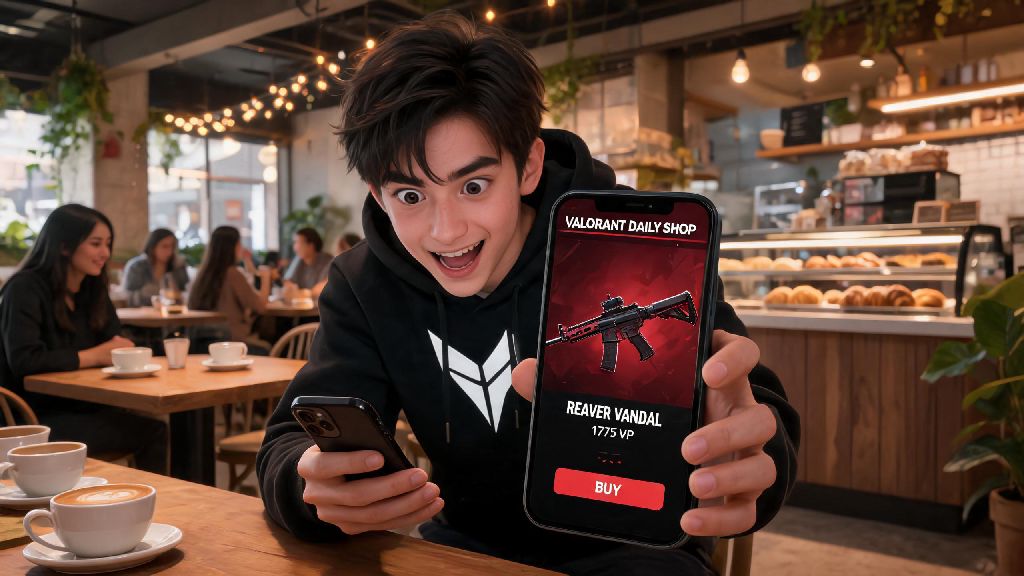
As long as you meet those rules, you can send individual weapon skins, battle passes, Radianite Point packs, agent unlock tokens, and select limited-time cosmetic items like player cards or gun buddies, in addition to full bundles. You cannot gift items you already own in your inventory – every gift has to be purchased as a new item directly from the in-game store at the time of gifting. You will never be forced to buy a full bundle just to send a gift, unless the specific item you want is only sold as part of a limited-time bundle with no individual purchase option.
When Gifting a Bundle Makes More Sense Than Individual Items
Even though you don’t have to only gift bundles, there are still plenty of cases where picking a full bundle is the smarter choice. Bundles typically cost 20-30% less than purchasing every included item separately, so if you know your friend loves every skin, gun buddy, and player card in a set, gifting the full bundle saves you VP overall. It’s also a great option if you want to splurge on a gift for a close friend, since most premium bundles come with exclusive cosmetics that don’t appear in the regular store rotation often. For example, last year’s Arcane x Valorant crossover bundle had exclusive Vandal and Phantom skins that still haven’t returned to the store 8 months after launch, so friends who gifted that set to each other got a rare cosmetic that most players don’t have access to right now. But if you’re on a tighter budget, or you only know your friend’s favorite main weapon, an individual skin for that gun is almost always the better pick. You can get high-quality individual skins for as little as 875 VP, compared to 5000+ VP for most premium full bundles.
Common Valorant Gifting Mistakes to Avoid
Even if you know you don’t have to only gift bundles in Valorant, it’s easy to run into snags if you don’t pay attention to the fine print of Riot’s rules. One of the most common mistakes new players make is trying to gift a skin they already own, or a duplicate skin they got from the Night Market. The gifting system only supports new purchases, so you can’t send items from your existing inventory no matter how many duplicates you have. Another mistake I’ve made personally is forgetting to check a friend’s server region before buying a gift. I once tried to send a friend a Phantom skin after they moved from NA to APAC for work, and the system blocked the purchase entirely. I didn’t lose VP, but I had to wait a week to send it once they made a new NA smurf account to play with our old squad. You cannot refund gifted items under any circumstances, so make sure you’re sending the right item to the right person before you confirm the purchase. Riot’s support team will not reverse a gifting transaction even if you sent it to the wrong friend, or the recipient doesn’t like the item. You also can’t gift battle pass tiers, only the full base battle pass, so don’t buy extra tiers expecting to send them to a friend who’s already bought their own pass.
How to Send Non-Bundle Gifts in Valorant Step by Step
Sending an individual skin or other non-bundle gift is just as easy as sending a full bundle, once you know where to look. First, log into your Valorant account and head to the in-game store. Find the item you want to send – it can be an individual skin from the featured store, Night Market, or permanent collection, a battle pass, or a Radianite pack. Click on the item, and instead of selecting “Buy for Me”, click the “Gift” button that appears right below the purchase option. You’ll see a list of all eligible friends on your list that meet the region, level, and friend time requirements. Friends that don’t meet the rules will be greyed out, so you don’t have to guess if they’re eligible. Select the friend you want to send the item to, add an optional custom message if you want, then confirm the purchase with your VP. The recipient will get a notification the next time they log into Valorant, with your message and the item added directly to their inventory. If you don't see the gift button at all, double check that your own account is level 10 and has no active bans – that's the most common reason the feature is hidden for players. If the button is greyed out for a specific item, that means the item is not eligible for gifting, usually because it’s a free event reward or a Kingdom Credits exclusive item.
At the end of the day, the question of can you only gift bundles in Valorant has a clear, simple answer: no, you have tons of flexible gifting options to fit any budget and any friend's preference. Whether you're sending a cheap gun buddy to celebrate a clutch win, a full premium bundle for a close friend's birthday, or a battle pass to help your squad grind ranked together, the gifting system is designed to make it easy to share the fun of Valorant with the people you play with. Just remember to double check eligibility requirements before you buy, and you'll never run into issues sending a surprise to your team.