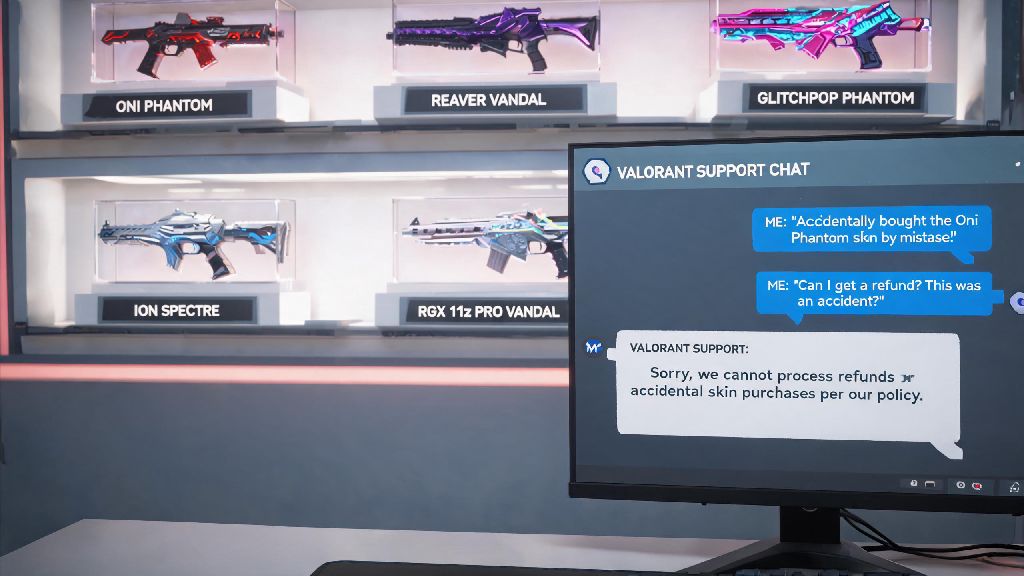
We've all been there: you see a shiny new Valorant skin drop in the daily shop, click buy on impulse, then regret it 10 minutes later when you realize you don't even main the agent it's for, or the flashy VFX gives you a headache during tense ranked matches. If that sounds familiar, you're probably looking for how to refund Valorant skins without jumping through endless hoops. I've processed over a dozen refund requests for myself and friends over the years, so I'm breaking down exactly what works, what doesn't, and how to avoid getting your request denied out the gate.
How to Refund Valorant Skins: Official Eligibility Rules You Need to Follow
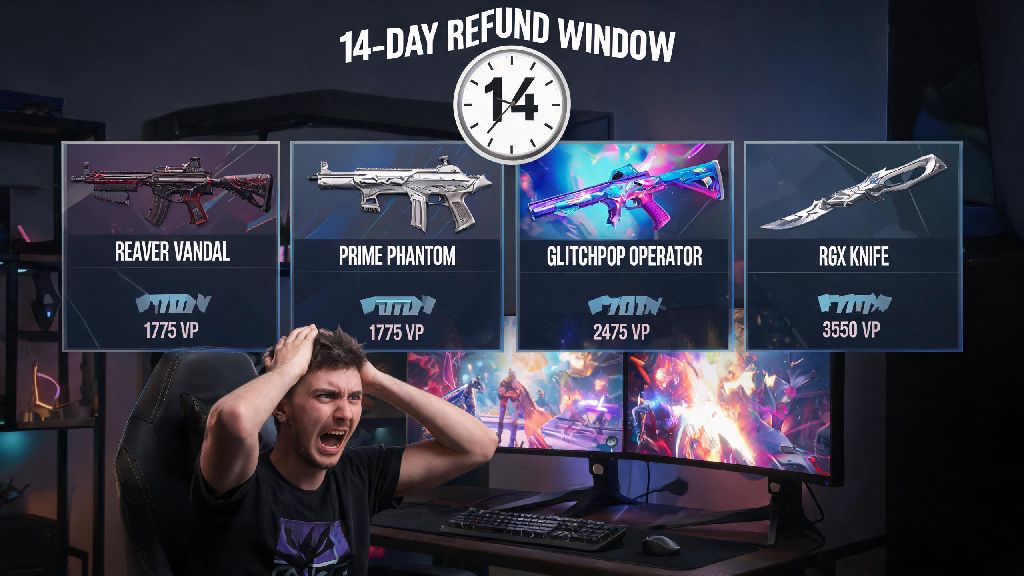
Riot Games has a pretty clear refund policy for in-game purchases, but a lot of players miss the fine print that leads to rejected requests. First, the standard refund window is 14 days from the date of purchase. Any requests submitted after that point will almost always be denied, no matter how much you beg support. Second, you can't have used the skin in any match, and that includes unrated, spike rush, custom games, and even the practice range. Even one round of testing the skin counts as use, so make sure you don't equip it at all if you think you might want to return it.
You also only get 5 lifetime refund tokens per Riot account, so you can't return every skin you regret buying down the line. Only purchases made directly with real currency or Riot Points are eligible, too. Battle pass unlocks, event rewards, gifted skins, and agent contracts can't be refunded under any standard circumstances. If you're still unsure how to refund Valorant skins after checking your purchase history, you can reach out to Riot's support team directly via the ticket submission form.
Step-by-Step Process to Submit Your Valorant Skin Refund Request
The fastest way to process a refund is through Riot's official support site, not the in-game client. Start by logging into the Riot account you used to buy the skin, then navigate to the "Purchase History" tab in the support section. You'll see a full list of all your in-game purchases from the past 12 months, and eligible items will have a bright "Refund" button next to them.
Click the refund button for the skin you want to return, select a reason for the request from the dropdown menu, and hit submit. You'll get an email confirmation within 10 minutes, and the refund will be processed within 3 to 5 business days. If you paid with real money, the funds will go back to your original payment method. If you paid with Riot Points, the full RP amount will be added back to your account within 24 hours. Always double-check that you haven't equipped or used the skin before submitting, as even an accidental equip will make the refund button disappear from your purchase history.
Common Reasons Valorant Skin Refund Requests Get Rejected
Even if you think you meet all the eligibility rules, there are a few common mistakes that lead to automatic rejection. Most of these are easy to avoid if you know what to look for:
Many players get rejected because they forgot they equipped the skin for a single quick play match right after buying, so always check your loadout before you submit a request. Most of the time, a rejected request just means you missed one of the eligibility rules, not that you'll never be able to figure out how to refund Valorant skins for future purchases. If you believe your request was rejected in error, you can submit a support ticket with extra context, like proof that the purchase was made by someone else who had access to your account, and Riot will review it on a case-by-case basis.
What to Do If You Can't Get a Refund for Your Valorant Skin
If your refund request gets denied and your appeal doesn't work, don't panic. You still have options to make the skin work for you, or avoid wasting your money on similar purchases in the future. First, if the skin has distracting VFX that made you want to return it, you can turn off specific skin effects in your in-game settings menu. You can disable the skin's visual effects entirely from your in-game settings if it's causing performance issues or distracting you during ranked matches, and you won't lose access to the skin's custom sound effects or animations if you don't want to.
You can also test any skins you're interested in buying before you spend your money, by using the practice range's skin preview feature. Just select the agent and gun you want to test, navigate to the skin you're thinking of buying, and you can use it in the range for as long as you want to make sure you like the feel of it. If you really hate the skin and can't return it, you can also submit feedback to Riot about the design or VFX. They often adjust popular skins based on player feedback, and have added effect toggles for dozens of high-demand skins in past patches.
At the end of the day, accidental or regretted purchases happen to even the most careful Valorant players. The good news is that as long as you follow Riot's official rules and submit your request within the eligibility window, learning how to refund Valorant skins is a quick, painless process that takes less than 5 minutes total. Just make sure to test any skins you're interested in the practice range first to avoid needing to go through the refund process at all, and keep track of how many refund tokens you have left for future purchases.