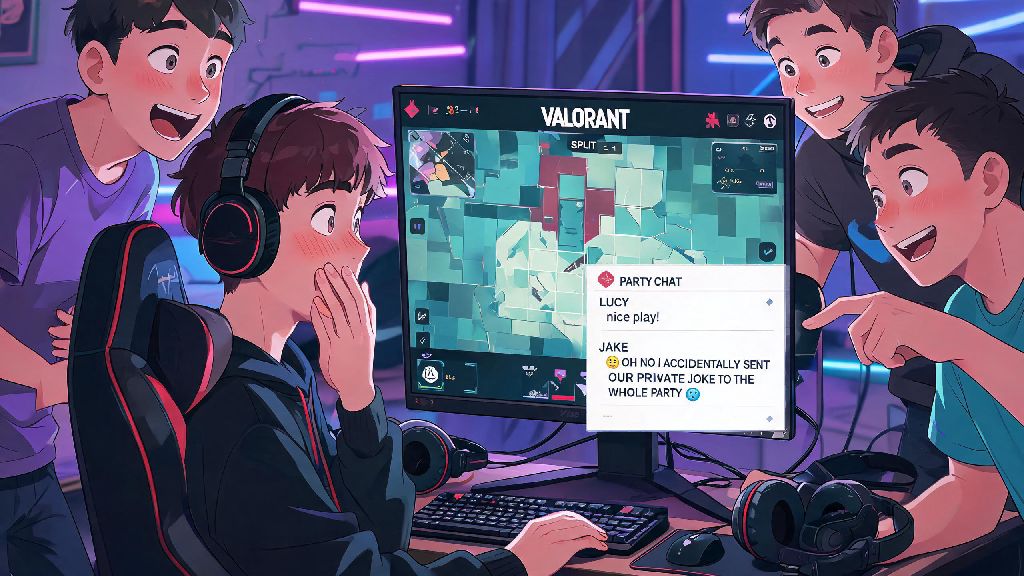
If you’ve ever queued up for a Valorant match with friends and accidentally typed a private joke into all chat, you know how embarrassing (and sometimes tilting) that can be. Learning how to type in party chat Valorant is one of the smallest but most impactful quality of life skills you can pick up for the game, especially if you regularly play with a pre-made group. It lets you coordinate picks, share enemy locations, or even make fun of your IGL’s bad aim without random teammates on your team or the enemy side seeing your messages. I’ve been playing Valorant since its closed beta launch, and I still see even high-ranked players fumble with chat settings mid-match, costing their team crucial information in clutch rounds.
How to Type in Party Chat Valorant: Basic Default Controls
First, let’s cover the default method that works for every player, no matter what your keybinds are set to. When you’re in a match or in the pre-game lobby, press Enter to open the general chat box first. From there, type /p followed by a space, then your message, and hit send. That message will only go to players who are in your pre-made party, not random teammates or enemy players. You can test this out in the main menu lobby first to make sure it works, so you don’t have to guess how to type in party chat Valorant mid-round when you’re already under pressure.
If you don’t want to type the command every time, you can set a dedicated party chat keybind in your settings. Head to the Controls tab, scroll down to the Communication section, and look for the “Party Chat” option. Assign it to a key that’s easy for you to reach, like Ctrl+Enter or another combo you don’t use for in-game actions. That way, you can press that key combo, type your message, and send it directly to party chat without any extra commands. I personally have mine bound to the side button on my mouse, so I can open party chat without taking my fingers off the WASD keys mid-round. It’s a small change that makes communicating way faster when you’re in a tight fight.
Common Party Chat Mistakes to Avoid
Even if you know the basic controls, it’s easy to slip up and send messages to the wrong group mid-match, especially when you’re stressed. The most common mistake I see is players forgetting that the default Enter key opens team chat, not party chat, if they haven’t adjusted their settings. If you’re used to typing in party chat without the /p command in other games like League of Legends, that muscle memory can trip you up fast in Valorant.
Another common issue is sending sensitive information, like your team’s planned push site, to all chat by accident. A lot of players mix up the all chat command (/all) with the party chat command if they’re typing fast. Always double check the chat label before you hit send – you’ll see a small “(Party)” tag next to your name if the message is going to the right group. I’ve had a match where my duo accidentally told the entire enemy team we were pushing A site in a 1v3 clutch, and we lost the round because of it. Don’t let that happen to you.
How to Fix Party Chat Not Working Errors
Sometimes, even if you’re using the right controls, party chat won’t work properly. This is a fairly common bug that Riot hasn’t fully fixed yet, but there are a few quick fixes you can try mid-match without restarting your game. I’ve tested all of these personally over hundreds of ranked matches, and at least one of them works 99% of the time.
If none of these fixes work, you might need to restart your game after the match ends. The bug is usually tied to a poor connection to Riot’s chat servers, so restarting will reset that connection. I’ve had this bug pop up once every 10 or so matches, and the social tab refresh trick works 90% of the time for me, so always try that first before panicking.
Best Practices for Using Party Chat to Win More Matches
Party chat isn’t just for sharing memes and making fun of your friends’ bad Jett knives. If you use it strategically, it can give you a huge edge over teams that only use team chat. For one, you can talk about team weaknesses without tilting your random teammates. If your random Sage is playing way too aggressive and dying early, you can tell your party to play around that mistake without making the Sage feel attacked and throwing the rest of the match.
You can also coordinate off-meta plays that random teammates might not understand. If your party has a plan to do a fast A short push on Bind with a Smoke and Flash combo, you can lay out the plan in party chat before the round starts, instead of wasting time explaining it to randoms who might not listen. Keep party chat messages short and specific during rounds – long paragraphs of text will distract you from the fight, and you might miss an enemy peeking while you’re typing. Save the long conversations for the buy phase or between matches, and only type critical information when the round is active. For example, instead of typing “the enemy Reyna is at A long with an Operator and she has 100 health and 50 shield”, just type “Reyna A long op” – your party will get the point much faster.
At the end of the day, knowing how to type in party chat Valorant is a small skill that makes a huge difference in your overall experience with the game. It cuts down on embarrassing mis-sent messages, helps you coordinate better with your pre-made group, and can even help you win more ranked matches if you use it strategically. Take a few minutes before your next queue to adjust your keybinds and test the commands, so you don’t have to fumble with settings mid-match. You’ll be glad you did when you avoid sending that joke about your teammate’s aim to the entire lobby.