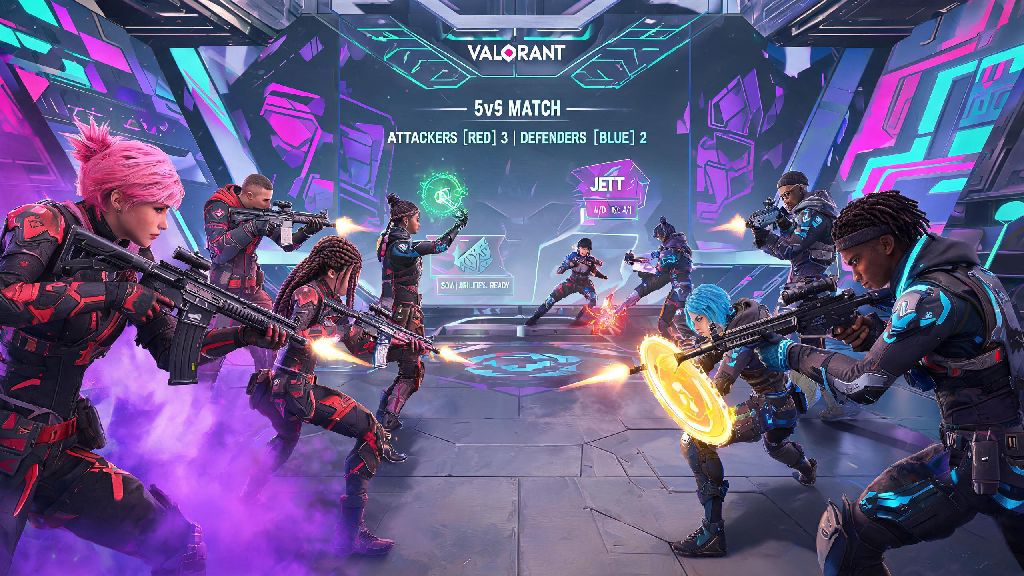
You just pulled off a sick 1v3 clutch on Bind, and the enemy Jett typed "nice shot" in all chat. You want to say thanks back, but you have no clue how to type to all in Valorant. We've all been there, especially if you're new to Riot's 5v5 tactical shooter and are used to different chat controls from other FPS games like CS2 or Overwatch 2. A lot of new players mix up team chat and all chat, leading to embarrassing moments where they share their team's rush plan with the enemy, costing them the round. Getting all chat right isn't just for banter, either—it can help you coordinate friendly custom game rules, call out a toxic player on either team, or even defuse a tense match with a silly joke.
Default Controls for How to Type to All in Valorant
Valorant has two default methods for sending all chat messages, and both work across every game mode including competitive, unrated, swiftplay, deathmatch, and custom lobbies. If you're still getting used to how to type to all in Valorant, we recommend testing it in a swiftplay or deathmatch first where the stakes are low, so you don't accidentally send a team-only strategy to the enemy in a competitive match.
Default all chat shortcut (keyboard) is Shift + Enter. This opens the all chat input box immediately, no extra commands needed. You'll see [All] appear next to your name in the chat bar to confirm you're sending to both teams, then you can type your message and hit Enter to send it.
Alternative command method works for both keyboard and controller users. Press Enter to open the default team chat box, type /all followed by a single space, then your message. This is handy if you already opened team chat before realizing you want to send the message to both teams, instead of closing and reopening the chat window. For controller players, you can also navigate to the chat icon in the pause menu, select "all chat" from the dropdown, then type with your on-screen keyboard or connected peripheral.
How to Fix All Chat If It's Not Working
If you're pressing the right keys or using the /all command and your messages still aren't sending to the enemy team, the problem is almost always a settings issue, not a bug. The first place to check is your communication settings menu, accessible via the gear icon in the top right corner of the main menu or in-game pause screen.
Navigate to the Communication tab, then scroll down to the Text Chat section. You need both "Send All Chat" and "Receive All Chat" toggles turned on to both send your own all chat messages and see messages sent by enemy players. A lot of players turn these toggles off by default to avoid toxic messages, so it's common to have them disabled without realizing it.
If you still can't see all chat messages after enabling the toggles, make sure you haven't muted individual enemy players. You can check your mute list by pressing Tab to open the scoreboard, hovering over the player's name, and making sure the text chat icon isn't crossed out. Parental controls or Riot account restrictions can also disable all chat, so if you're a younger player or have family settings enabled, you may need to adjust those permissions first. If you have an active chat penalty, you also won't be able to send all chat messages until the penalty expires.
Unwritten Rules for Using All Chat Responsibly
Just because you know how to use all chat doesn't mean you should send every thought that pops into your head. Riot's chat policies are strict, and violating them can lead to temporary chat restrictions, permanent comms bans, or even account suspensions in extreme cases. Riot's automated chat filter picks up slurs, hate speech, and excessive harassment immediately, even if no one reports you. I once had a friend get a 3-day chat ban for a silly inside joke that the filter flagged as harmful, so it's not worth the risk.
Stick to these simple rules to avoid penalties and keep all chat fun for everyone:
- Skip taunts after rounds or clutches. Telling the enemy team "you're all trash" after a win is a quick way to get reported for harassment, even if you think it's harmless banter.
- Use all chat for positive interactions first. Congratulating a player on a good shot, asking for a rematch in custom games, or pointing out a funny glitch are all safe, welcome uses.
- Avoid sharing any personal information, match betting links, or external site links in all chat. These violate Riot's terms of service and will get your account flagged immediately.
- Don't use all chat to ghost your own team. Telling the enemy where your teammates are hiding or what spike plant spot they're using is considered cheating, and will lead to a competitive ban.
If you're angry after a bad round, skip typing in all chat entirely until you've calmed down. It's far too easy to type a heated message in the heat of the moment that you'll regret later, and the penalty for a single toxic comment can last for weeks, ruining your ability to communicate with your own team in competitive matches.
Customizing Your All Chat Shortcut for Faster Access
If you use all chat often, the default Shift + Enter shortcut might feel awkward, especially if you're used to other key binds for similar functions in other games. You can change it easily in the settings menu to fit your playstyle, and you don't need any third-party software to do it.
Go to the Controls tab in settings, scroll down to the Communication section, find the "All Text Chat" bind, and set it to whatever key or key combination feels most comfortable for you. A lot of players bind it to a side mouse button if they have an MMO or FPS mouse, so they can open it without taking their fingers off the WASD keys mid-match. Make sure you don't bind it to a key you already use for in-game actions, like your grenade or jump key, or you'll accidentally open chat mid-fight and lose rounds.
If you play on both PC and console, your key binds will save across devices as long as you're logged into the same Riot account, so you only have to set your preferred all chat shortcut once. You can also set up quick chat messages that auto-send to all chat if you want to send common phrases like "nice play" without typing them out every time, which is perfect for fast-paced modes like swiftplay where you don't have time to type full sentences.
At the end of the day, learning how to type to all in Valorant is a small skill that can make your matches a lot more fun, as long as you use it responsibly. You don't have to use it if you don't want to—plenty of top players keep all chat disabled entirely to stay focused on their games, and that's a totally valid choice. If you do choose to use it, stick to positive interactions, follow Riot's rules, and you'll avoid any unnecessary penalties while getting to connect with other players across matches. Next time you land that perfect Operator shot and the enemy team gives you props, you'll know exactly how to send a quick thank you right back.